
Free AI Watermark Remover
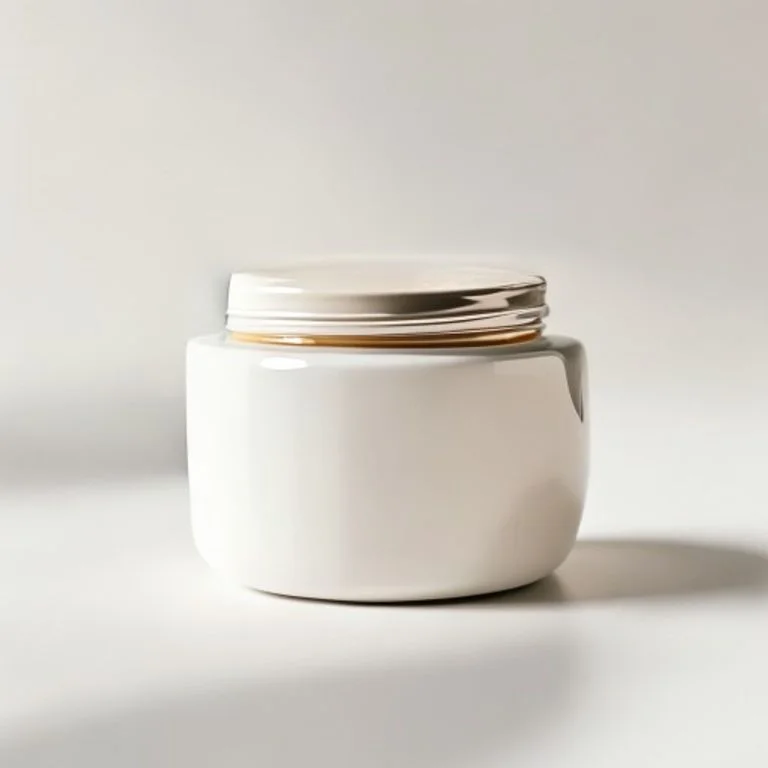
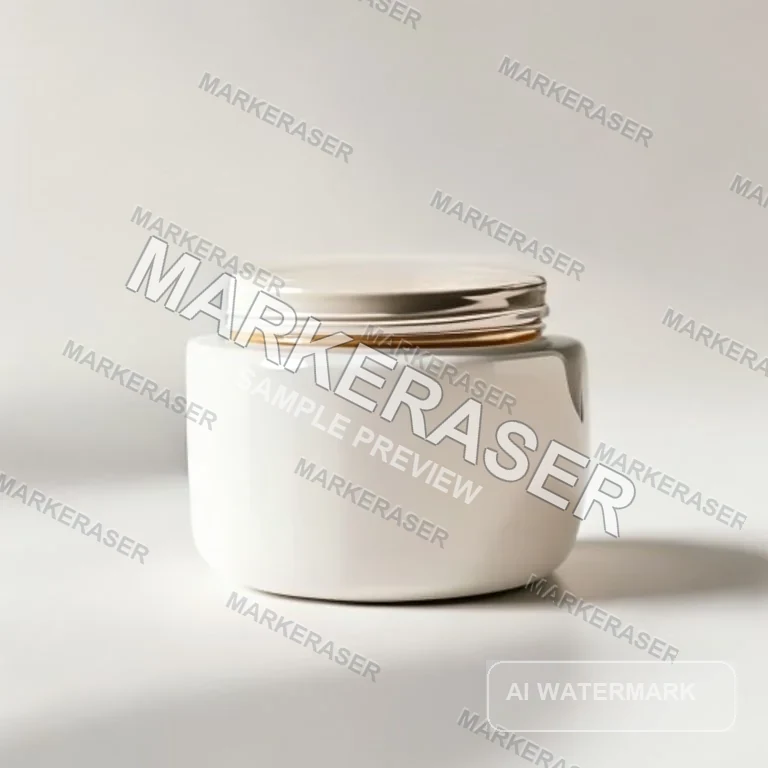
Remove watermark text from the product image while preserving edges and shadows


Erase the logo overlay from the portrait without changing the face or background


Remove the watermark stamp and reconstruct the covered wall texture

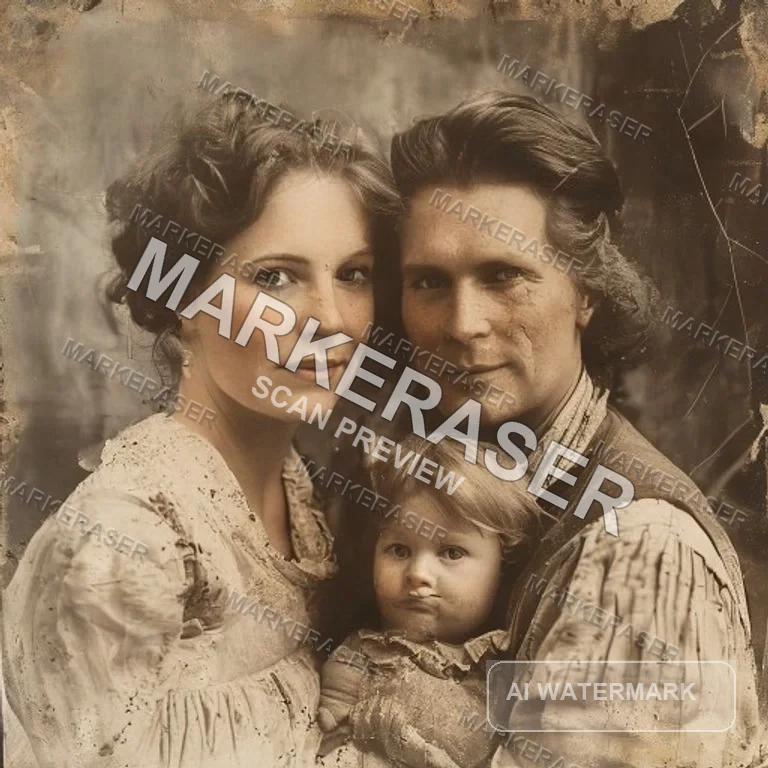
Remove the scan watermark while preserving the vintage photo details

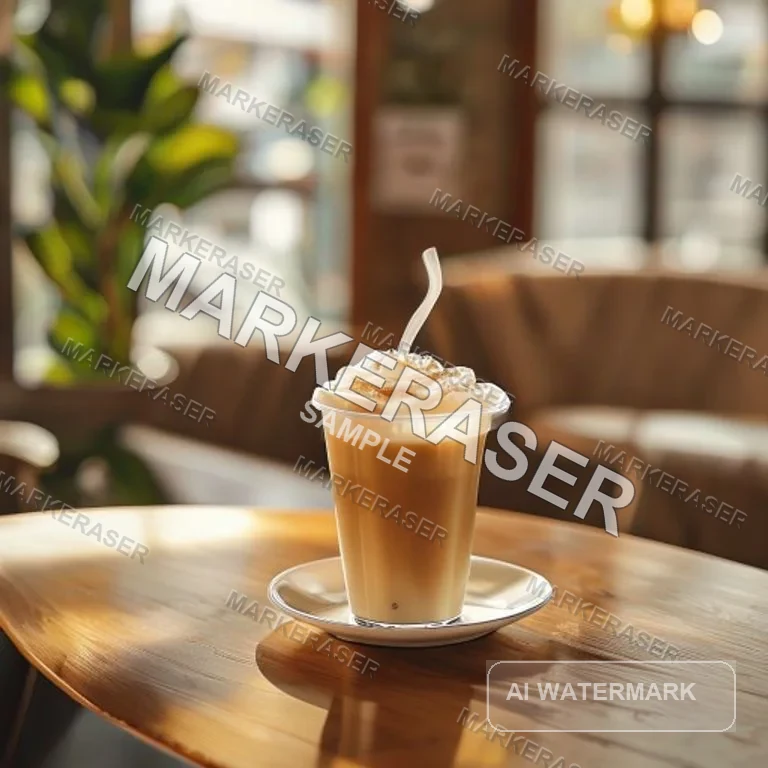
Clean the text overlay watermark and keep the image ready to post
Watermark removal scenarios
Clean watermarked images without manual retouching
MarkEraser focuses on removing visible marks while preserving the original subject, texture, lighting, and composition.
Text watermark removal
Clean translucent words, sample labels, timestamps, and repeated text overlays while rebuilding the hidden pixels naturally.
- Erase visible watermark text
- Reconstruct covered texture
- Keep the original photo unchanged elsewhere
WatermarkedClean resultLogo and stamp cleanup
Remove corner logos, proof stamps, and semi-transparent badges from portraits, product photos, and marketing images.
- Clean logos and stamps
- Preserve faces, products, and edges
- Match lighting and background detail
WatermarkedClean resultRepeated pattern cleanup
Handle tiled or diagonal watermark patterns across larger areas without cropping or blurring the full image.
- Remove repeated overlays
- Avoid full-image blur
- Keep natural color and detail
WatermarkedClean resultRemove Watermarks in Three Steps
Upload, clean, and download with one focused AI workflow.
Upload a Watermarked Image
Choose a JPG, PNG, WEBP, HEIC, or other supported image file.
Add Optional Details
The default prompt removes watermarks automatically; add notes only for tricky marks or locations.
Download the Clean Result
Preview the AI-cleaned image and save the version you like.

Product
What is MarkEraser AI Watermark Remover?
MarkEraser uses AI image editing to remove visible watermarks, logo overlays, stamps, and text marks while keeping the surrounding image natural.
Remove Text Watermarks
Clean translucent words, proof labels, timestamps, and sample marks from images with one focused workflow.
Rebuild Covered Details
AI fills in the area behind the watermark using nearby texture, color, lighting, and perspective.
Remove Logos and Stamps
Clean corner logos, badges, stamps, and overlay marks without changing unrelated parts of the image.
Preserve the Original Look
Keep faces, products, composition, and style intact so the final image still feels like the original.
Benefits
Why Choose MarkEraser for Watermark Removal?
A focused workflow for fast, natural-looking watermark cleanup.

Built for AI Watermark Removal
Everything you need to clean up visible watermarks from images you are allowed to edit.
Text Overlay Removal
Remove sample text, timestamps, proof labels, and translucent words from photos.
Logo and Stamp Removal
Clean visible logos, badges, and stamp marks from images you are authorized to edit.
Texture Reconstruction
Rebuild hidden details using surrounding pixels instead of simply blurring the watermark.
Original-Preserving Edits
Keep faces, products, composition, and non-watermark text intact.
Multiple Reference Images
Upload more than one source image when you need several watermark cleanup jobs in one session.
Clean Image Downloads
Preview generated results and download clean images directly from the editor.
Watermark Removal Use Cases
Common cleanup workflows for images you own or are authorized to edit.
Product Images
Remove proof marks or internal review labels from product visuals before publishing.
Social Media Assets
Clean text overlays or draft marks from images before posting final content.
Photography Proofs
Remove your own proof marks or client review stamps after approval.
Marketing Visuals
Prepare licensed campaign images by cleaning approved overlays and export marks.
Frequently Asked Questions About AI Watermark Removal
Learn how MarkEraser helps remove visible marks while keeping images natural.
Remove Watermarks with AI
Upload an image, let AI clean visible marks, and download a polished result.